For Work
Ready for the Office. Even Yours.
Single sign-on, shared mailboxes, managed settings, and a second look before mail leaves the company.
Signing In
Signs In the Way IT Likes.
Work accounts sign in through Google or Microsoft with single sign-on. Paperbeak never sees the password, and the sign-in token goes straight to the Keychain.
- Microsoft 365 and Google work accounts
- An organization’s managed settings, which can lock options
- A clear message when an admin’s approval is still pending
- Sign In Again and Test Connection, right in the account editor
All accounts synced
Shared Mailboxes
One Team Address. No Awkward Workarounds.
Microsoft 365 shared and delegated mailboxes work the way the admin set them up, with Send As or Send on Behalf. IMAP shared folders are in too.
Hi Sofia, the lane table is attached.
Send Checks
A Second Look Before It Leaves.
The expensive mistakes are the quiet ones: a quote sent from a personal address, or a contract sent to the wrong company. Paperbeak checks the draft and speaks up first.
- Recipients outside the company
- A From address that breaks the pattern
- A Reply All to more than 10 people
- A missing attachment or subject
Before This Sends
Meetings
Meetings, Without the Tab Hunt.
Invitations arrive as cards with the answer buttons on them. Scheduling works from mail too, so the calendar app can stay closed.
- RSVP and Propose New Time
- Join buttons for Teams, Zoom, Meet, and Webex
- Share Free Times from the calendar
- New Meeting from a conversation
The Rest of the Stack
Plays Well With Others.
Work Tools
- Send To Slack
- Send To Jira
- Send To Notion
- Send To Asana
Teams
- Shared conversations
- Shared tasks
- Assignments
- Comments
Security
- S/MIME Sign and Encrypt
- Sender checks on every message
- Read receipts, requested or answered
- Rules on the Mac or the server
For the Security Review
What IT Should Know.
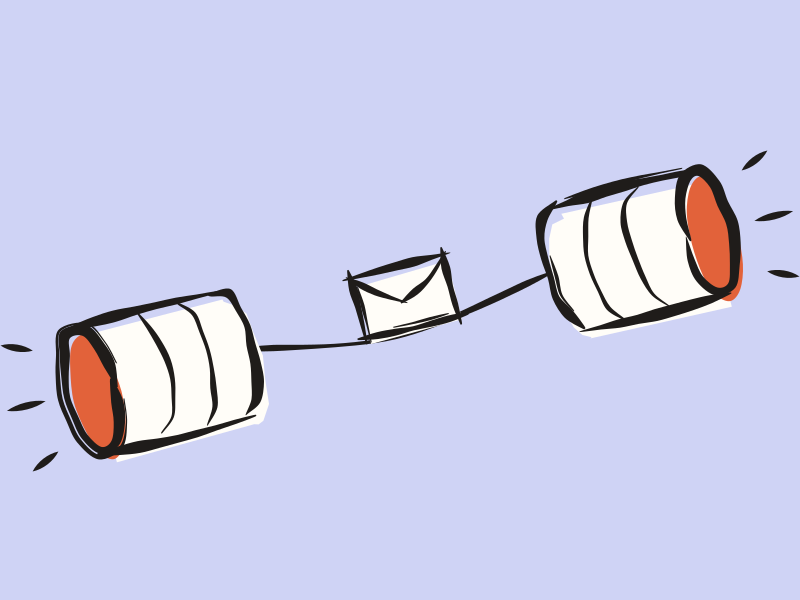
- No Paperbeak ServerThe Mac talks to the mail provider directly. No mail, token, or contact passes through Paperbeak.
- Mail Is Stored on the MacMail, search, and drafts stay in a local database. Sign-in tokens live in the Keychain.
- Reports Without SecretsConnection Doctor checks an account step by step, and its report never includes passwords or tokens.
- Admin ConsentSome Microsoft work tenants need an admin’s approval before a new mail app can connect. Paperbeak says what’s missing.
Bring It to the Monday Meeting.
Request an InviteFree during early access. Requires macOS 27.